Upgrade your hi-fi with the WiiM Pro Plus, combining high-resolution streaming with an AKM DAC and improved analogue input stage. Stream through AirPlay 2, Google Cast, Spotify Connect, TIDAL Connect or Roon, then connect directly to your amplifier or powered speakers. RoomFit room correction, multi-room playback and the included WiiM Voice Remote make everyday listening easy.
Bring premium streaming, AirPlay 2, Google Cast, Roon Ready playback, and advanced sound tuning to the amplifier or powered speakers you already love—with an AKM DAC built in, so you can enjoy exceptional analog output without adding another box.
Up to 24-bit/192 kHz from supported sources
121 dB SNR, -113 dB THD+N analog line-out
RoomFit™ + 10-band Graphic EQ and Parametric EQ
Voice Remote and essential cables included
The Stereo You Love, Ready for Streaming.
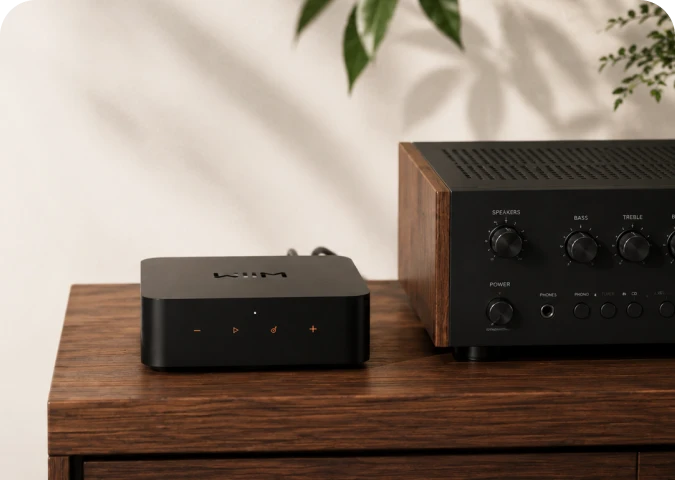
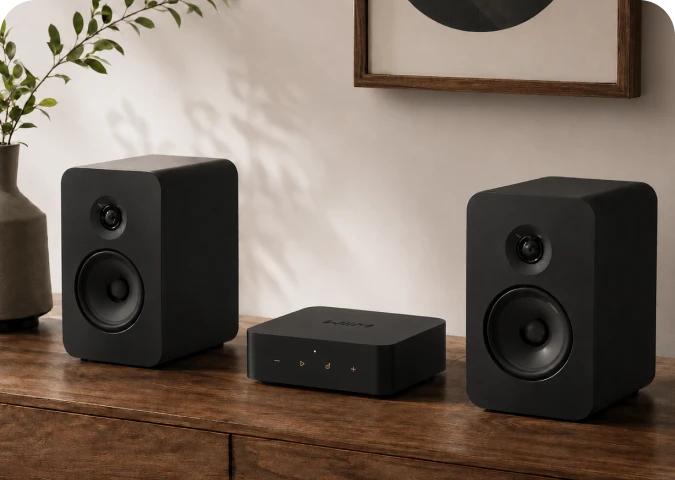
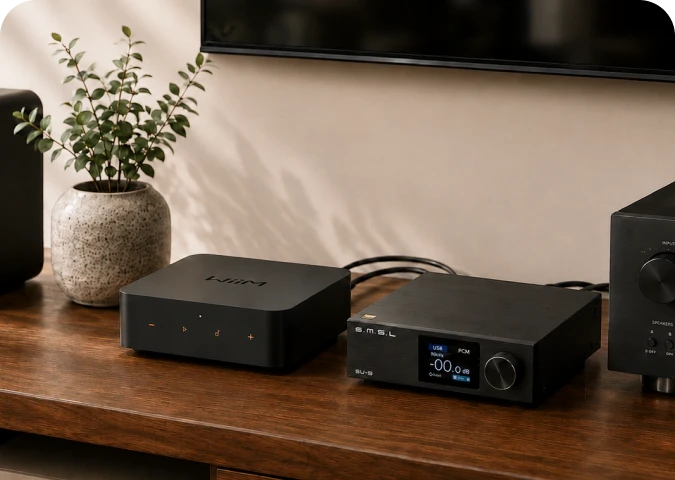
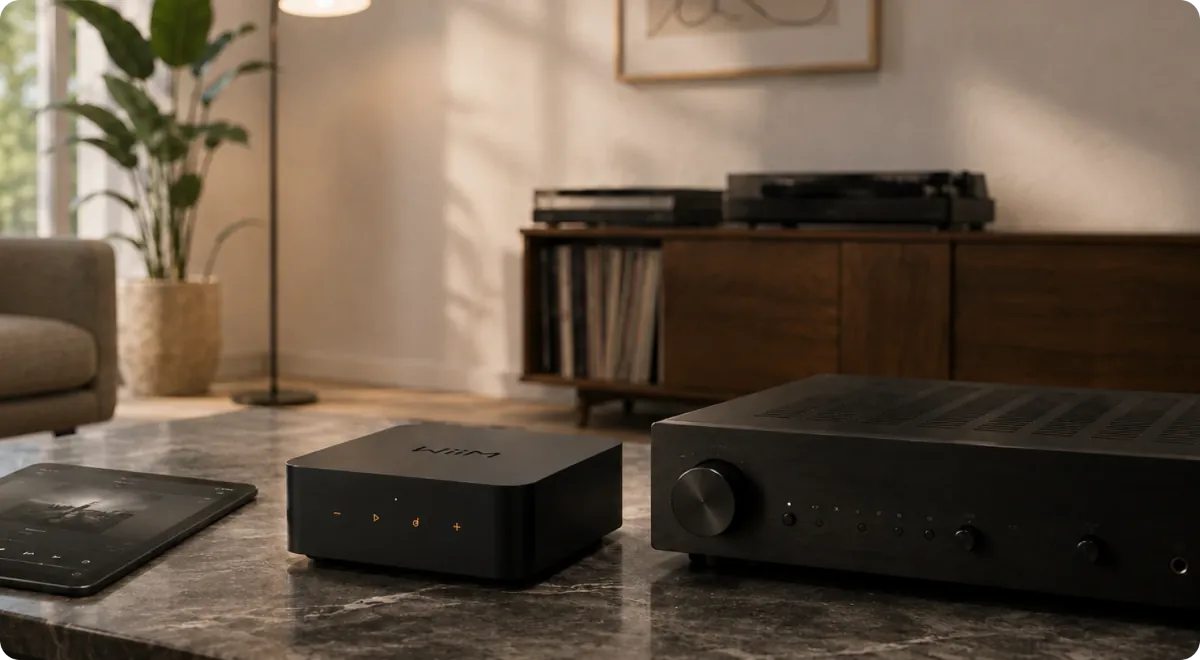
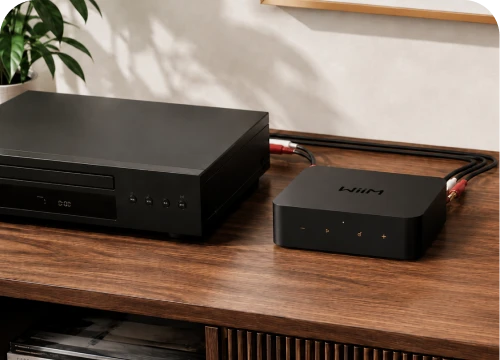
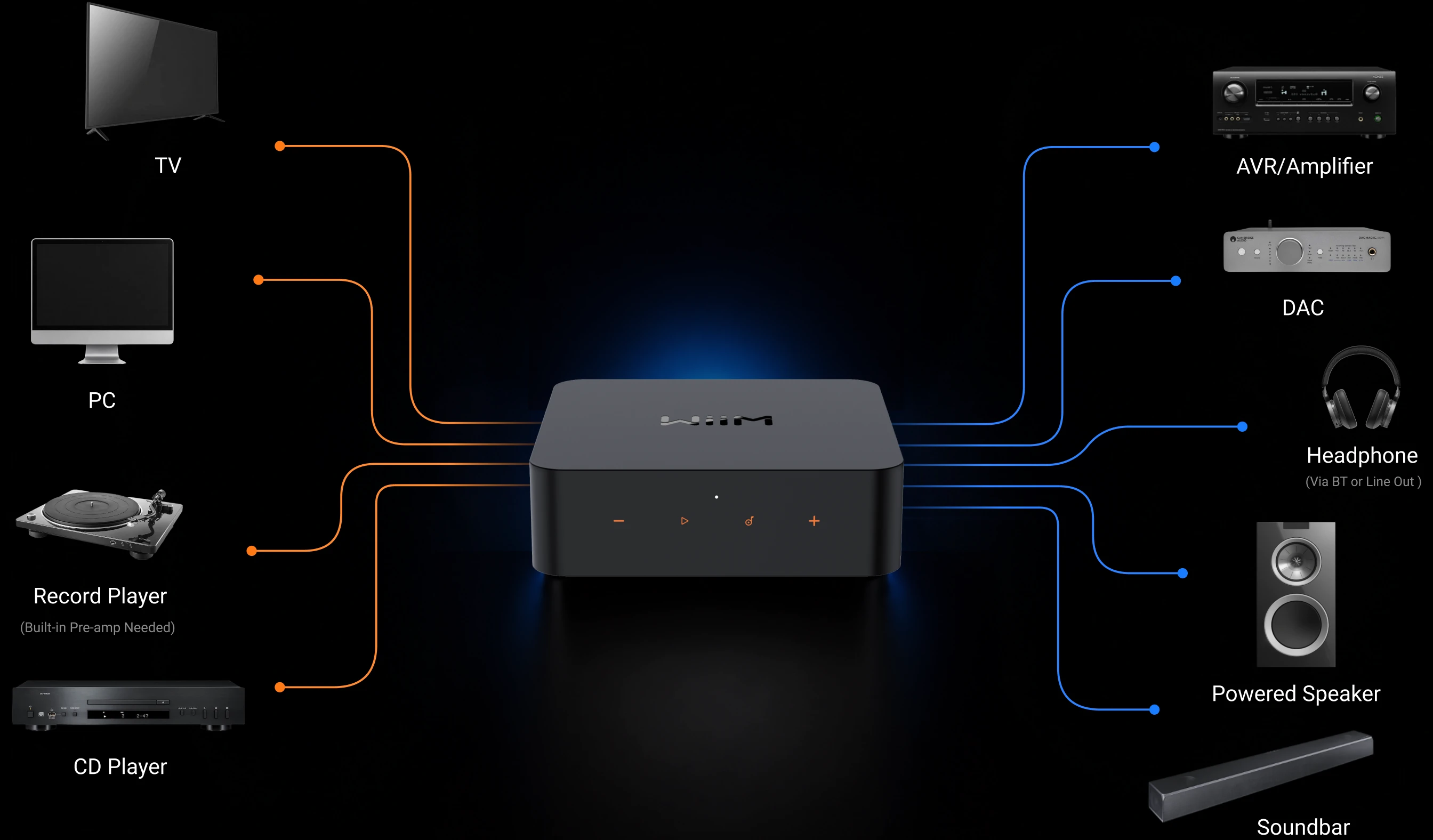
WiiM Pro Plus fits into the system you already built. Connect it directly to an integrated amplifier, receiver, or powered speakers through RCA—or send bit-perfect digital audio to your favorite DAC through optical or coaxial output. Your speakers stay. Your amplifier stays. The way you listen gets dramatically easier.
Amplifier or receiver
Add modern streaming and app control to a classic or contemporary stereo.
Powered speakers
Create a compact, high-fidelity system without a separate preamp or DAC.
External DAC
Use optical or coaxial output up to 24-bit/192 kHz. For bit-perfect output, enable Fixed Volume and disable EQ and mono audio.
Premium Analog Sound. No Extra DAC Required.
Connect WiiM Pro Plus straight to your amplifier or powered speakers and let its premium analog stage do the work. The AKM AK4493SEQ DAC, ultra-low-noise clock, optimized power design, and carefully engineered signal path deliver 121 dB SNR and -113 dB THD+N through Line Out—clean, detailed performance from one compact component.
Why Plus callout
Choose Pro Plus when you plan to use RCA Line Out and want WiiM's premium analog performance in this compact form factor. If you will always use an external DAC, WiiM Pro may already cover your core streaming needs.
Your Music. Your App. Your Choice.
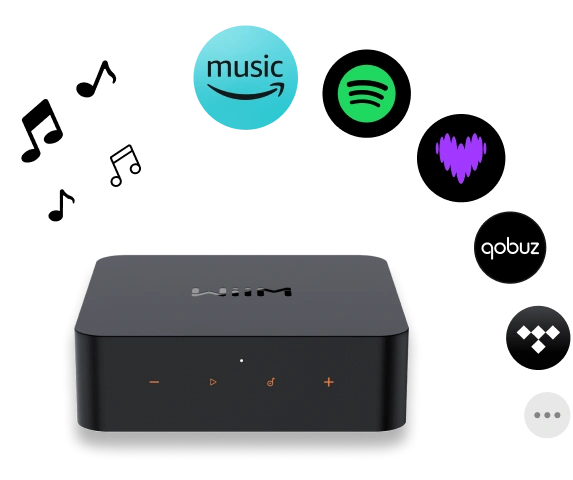
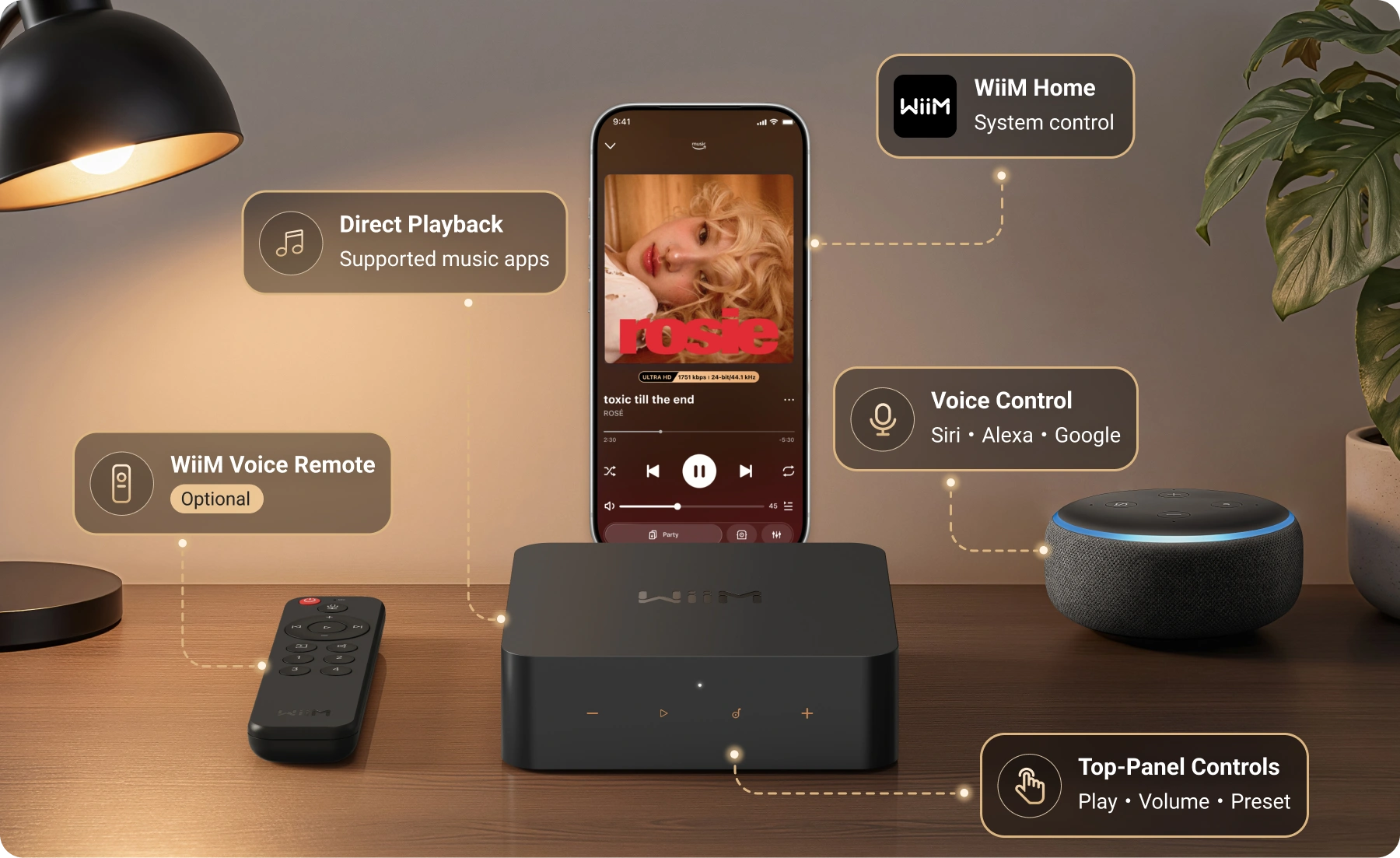
Stream with AirPlay 2, Google Cast, Alexa Cast, Spotify Connect, TIDAL Connect, DLNA, and Roon Ready. Play directly from your favorite app, or manage everything from WiiM Home.
Stream More Than Streaming Services.
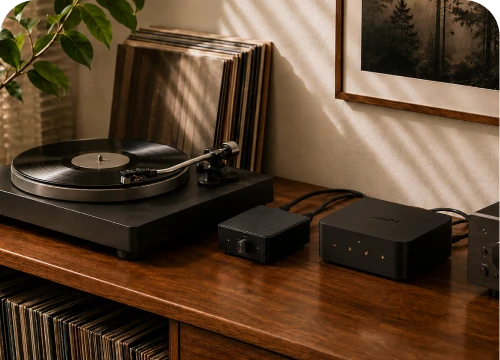
Connect a CD player, TV, computer, or preamplified turntable through RCA Line In or Optical In. Listen on the connected system, apply per-source EQ, or share that source with other WiiM devices around your home.
Turntable
Use a turntable with a built-in phono preamp or add an external phono preamp before Line In.
TV or computer
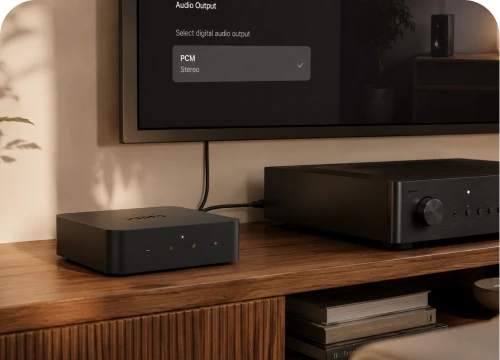
Use Optical In and set the source to stereo PCM. Dolby Digital and DTS are not supported on this input.
CD player or other analog source
Connect through Line In, enable auto-sensing, and let WiiM switch when the source starts.
Multi-room boundary
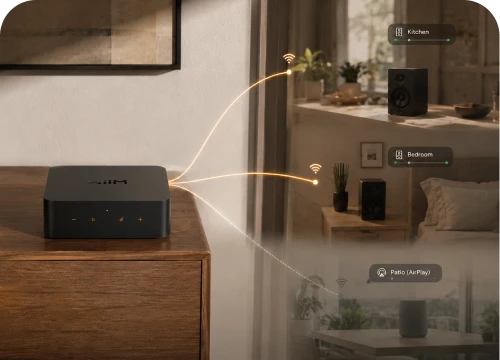
Physical inputs can be shared through a WiiM multi-room group. Alexa and Google groups carry network music streams only, and Pro Plus does not transmit physical inputs into an AirPlay group.
Smart Bass. Perfectly Tuned.
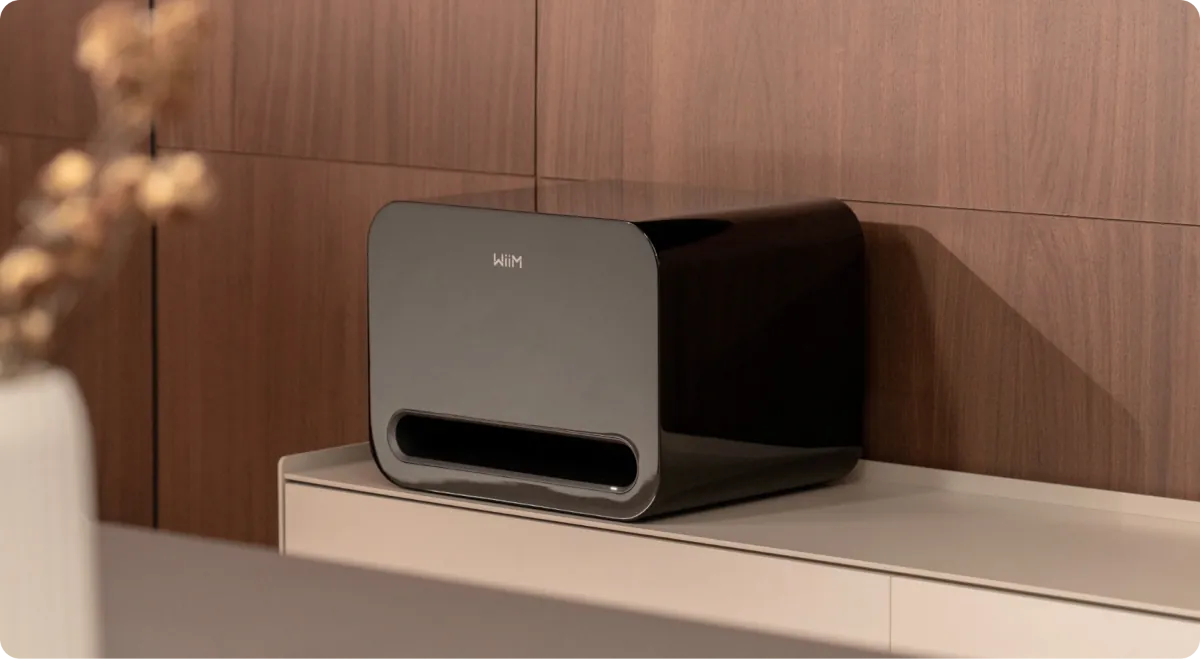
Pair WiiM Pro Plus wirelessly with its ultimate partner, WiiM Sub Pro, for effortless integration and smart tuning—delivering a unified, breathtaking soundstage.
Tune the System for Your Room—and Your Taste.
Every room changes what you hear. RoomFit™ helps adapt playback to the space, while 10-band Parametric EQ and Graphic EQ give you precise control. Save per-source settings so streaming, TV, vinyl, and Bluetooth can each sound the way you want without constant readjustment.
A Flexible Bridge for the Gear You Own.
From Box to Music in Four Clear Steps
Step 1
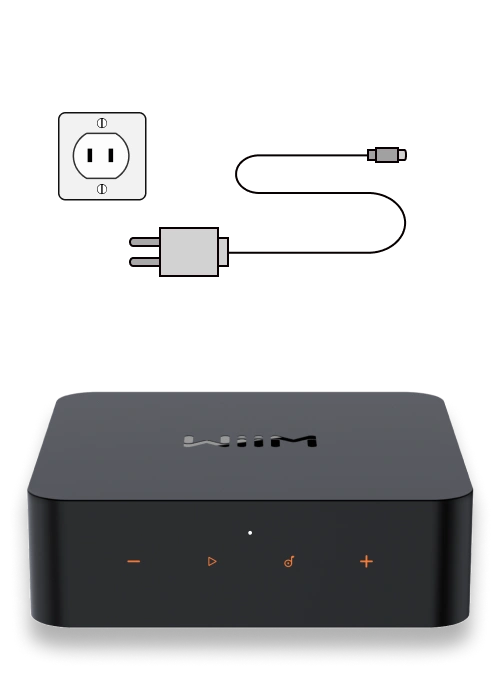
Connect WiiM Pro Plus to your stereo system and power source. Wait 30 seconds for it to boot up.
Step 2
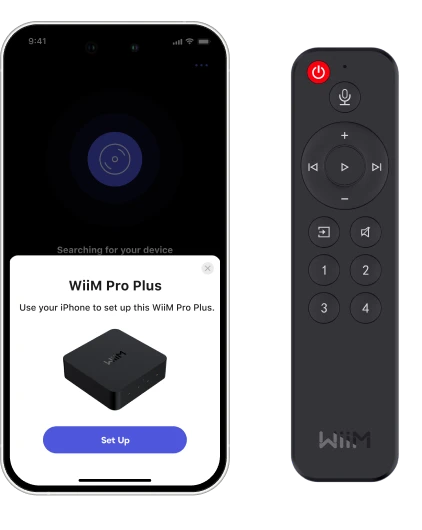
Open the WiiM Home app and follow the prompts to set up WiiM Pro Plus (e.g., Wi-Fi connection, remote pairing, firmware update, and audio settings).
Step 3
Run RoomFit™ in the app to automatically optimize the sound for your room.
Step 4
Stream from your favorite music service or a physical audio source, and enjoy Hi-Res audio.
Your System, Ready When You Are.
Use the included Voice Remote for playback, volume, inputs, four presets, and push-to-talk voice commands. Front touch controls handle the essentials. A 12V trigger can wake a compatible amplifier or DAC with Pro Plus, while input auto-sensing makes connected sources feel immediate.
Start with One System. Add Rooms When You're Ready.
Group WiiM devices for synchronized playback, create a stereo pair, or share network, Bluetooth, Line In, and Optical In sources across an all-WiiM group. Expand the system at your pace—add a compatible WiiM Sub model without replacing the rest of your setup.
The Best Option For Most People: WiiM Pro Plus (US$219)
Pros: Excellent value for money, built-in high-quality AKM DAC, supports AirPlay 2, Chromecast, Spotify Connect, and more, multi-room capabilities, analog input and output, gapless playback, high-resolution audio support.
Cons: Might not be as feature-rich as some competitors, No headphone jack and No Bluetooth for example.
Mini-review: The WiiM Pro Plus is a significant upgrade from the WiiM Pro we previously had on our best-of lists, offering premium features and audio quality at a competitive price. The built-in DAC delivers fantastic sound, and the extensive connectivity options cater to various streaming needs. While some competitors might offer more features, the Pro Plus packs a powerful punch for its price tag.
iMore Review
iMore Verdict 5 Stars
The Wiim Pro Plus is an excellent audio streamer, coming in at a significantly lower price than its competitors. It looks great, works better, and takes seconds to set up. The ability to play your record player around the house is just the shiny red cherry on top of what is a delicious cake.
Pros
+Super well priced
+Excellent app
+Great, energetic sound
Cons
-It feels lighter than you might expect
-The sound lacks a little weight
It’s never been easier to hook your iPhone up to a music player — be that a Bluetooth speaker, a smart speaker, or even an AirPlay-supported amplifier or AV receiver. For those with older hardware, or more focused audio devices, however, it might seem like there are fewer options beyond the expensive Hi-Fi separates that can cost upwards of $500.
There are actually loads of options, not least the Wiim Pro which I’ve already had the privilege of checking out. There’s really only one option that you should choose now, however, with the Wiim Pro Plus. You needn’t look further than Wiim's latest if you want to get your iPhone to play music over your older audio hardware.
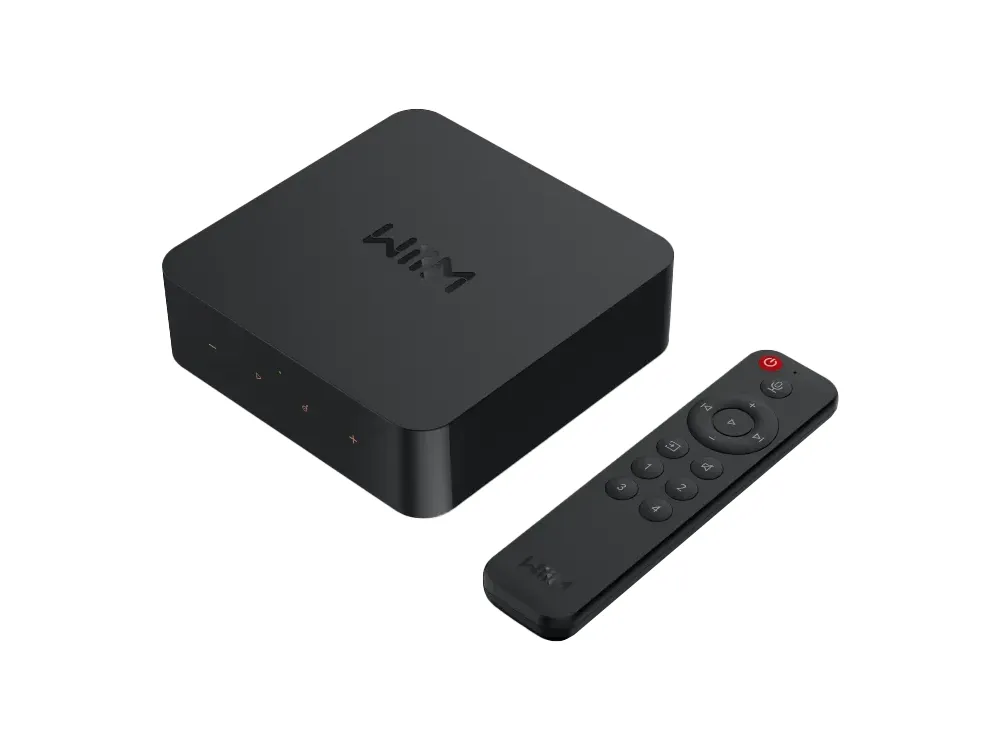
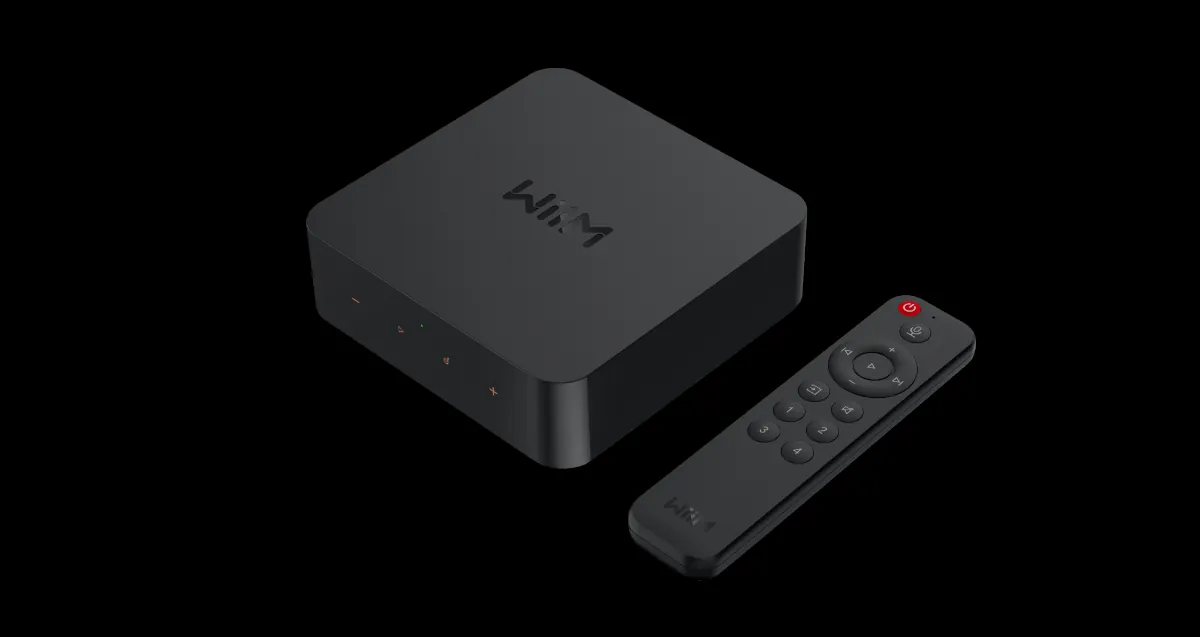
Upon first inspection, the Wiim Pro Plus looks almost identical to the previous version, the Wiim Pro. It’s got the same shape, plastic build, touch-sensitive buttons on the front, and clean, angular form. It’s no problem — the Wiim Pro looked simple, subtle, and attractive, and now the Pro Plus does too.
It does deviate in a couple of ways to tell you that it’s the more expensive variant, however. For one, the touch buttons are now a dark shade of yellow rather than silver, and the plastic of the unit is slightly darker than the older model. It’s on the inside, however, that the real differences have been made to the Wiim Pro Plus.
The audio side of things has been given a big boost with the Wiim Pro Plus. Rather than the 48k, 16-bit sound that the Pro was capable of pumping out, the Pro Plus can now handle 192Khz 24-bit sound for some true hi-res support. That’s enabled by the use of a fancy new DAC, or digital-to-analog converter — the results of which we’ll discover later (spoiler alert, it’s good).
Rather than the 48k, 16-bit sound that the Pro was capable of pumping out, the Pro Plus can now handle 192Khz 24-bit sound for some true hi-res support.
Other than that, there’s not much that’s different here, apart from the inclusion of a remote control. It’s the same controller that you’ll find in the box with the Wiim Amp, and while it doesn’t need all of the buttons this time, it’s still an excellent inclusion that makes controlling the Wiim Pro Plus simpler.
On the back of the Wiim Pro Plus, there are a couple of different outputs so that you can hook it up to your equipment. There’s a pair of RCA connectors so that you can plug it into an amplifier, an optical port so that you can hook it up to something like a soundbar, and a Coax connector so that you can use your own DAC.
The inputs are the interesting part of the package — there’s a line-in and an optical-in so that you can connect your Wiim Pro Plus to a TV, record player, or similar, and then play the sound that comes from that over another Wiim streamer, or a connected amplifier. It’s clever, and adds some more flexibility to your streaming setup. For example: I might want to play a record in my bedroom, but I’ve only got one player that lives in the lounge. With the Wiim Pro Plus, I can hook the player up to my connected system, and then play the output over another Wiim streaming device elsewhere in the house — in this case, my bedroom. Ingenious, and more importantly, hitch-free.
The Wiim Pro Plus is extremely simple to use. Simply plug in a power supply (there’s one in the box) to the USB-C port on the back, hook up your chosen audio output, and then you’re just a trip to the Wiim app away from streaming your music.
The Wiim App is, as always, excellent, and following the prompts to connect the Wiim Pro Plus to your system is super simple. Once it's all set up, you connect some music streaming services to the app, and you’re good to go.
The on-device controls are simple — a play/pause button, a pair of volume buttons, and then a fourth button that conjures pre-made presets. You can create presets as well by pressing and holding the button, so you can easily access your favorite content.
The controller is useful as well. You can play/pause, skip forward and backward tracks, and manipulate the volume. You can also choose different numbered presets with the remote, so you can jump quickly between different connected content that you’ve chosen in the Wiim app.
Ok, so part of this is going to depend on the rest of your setup — in my case, that’s a Hi-Fi amplifier from Technics and a pair of KEF LS50 Metas. That gives a solid base for the Wiim Pro Plus to play with, so that it can wow more with its top-quality DAC. The Wiim Pro was excellent while connected, so I hoped this would be even more impressive.
And it is — thanks to that improved DAC, there’s greater depth, movement, and detail on offer. It’s not a weighty sound, opting instead for energy and dynamism, but the EQ settings can be played with if you want something with a little more grunt and low-end. It’s got plenty of body in the mids, allowing vocals to take center stage, and when paired with a solid audio output, it sings.
So there’s the already mentioned Wiim Pro which, if you don’t want to spend too much, is an excellent option. It doesn’t have quite the sonic prowess, but it’s an absolute bargain at (US)$159. There’s the Eve streamer as well, but that can only handle AirPlay — which means no true lossless audio.
There are always the Hi-Fi separates streamers, made to go into a system with a single connection, but they are often not as flexible and a lot more expensive than the Wiim Pro Plus. They will, however, sound better overall and work seamlessly when paired with an amplifier from the same brand.
You should buy this if…
You have an older audio system and want to stream to it
You don’t want to spend loads on streaming gear
You already have a Wiim setup
The Wiim Pro Plus might not be cheap, but for a device of it’s type and flexibility it’s almost a kind of Hi-Fi bargain. It’s an extremely proficient streamer, filled with some incredibly potent internals, and features a simple design that will blend seamlessly with any music setup.
The app is excellent, it connects without issue, setup is easy, and playing music over it is as simple as using the ‘AirPlay’ button on your favorite music app. If there’s something you could want a streamer to do, the Wiim Pro Plus will do it, and do it very very well.









Please complete your information below to login.
Sign In
Create New Account